
Generate images
Turn a prompt or reference image into an original still. Start in Simple mode or switch to Advanced to choose a model and fine-tune generation settings.
 Public beta
Create images and videos for free with AI models that run on your Mac.
v0.71.5 beta · Apple Silicon · macOS 13 or later

Turn a prompt or reference image into an original still. Start in Simple mode or switch to Advanced to choose a model and fine-tune generation settings.
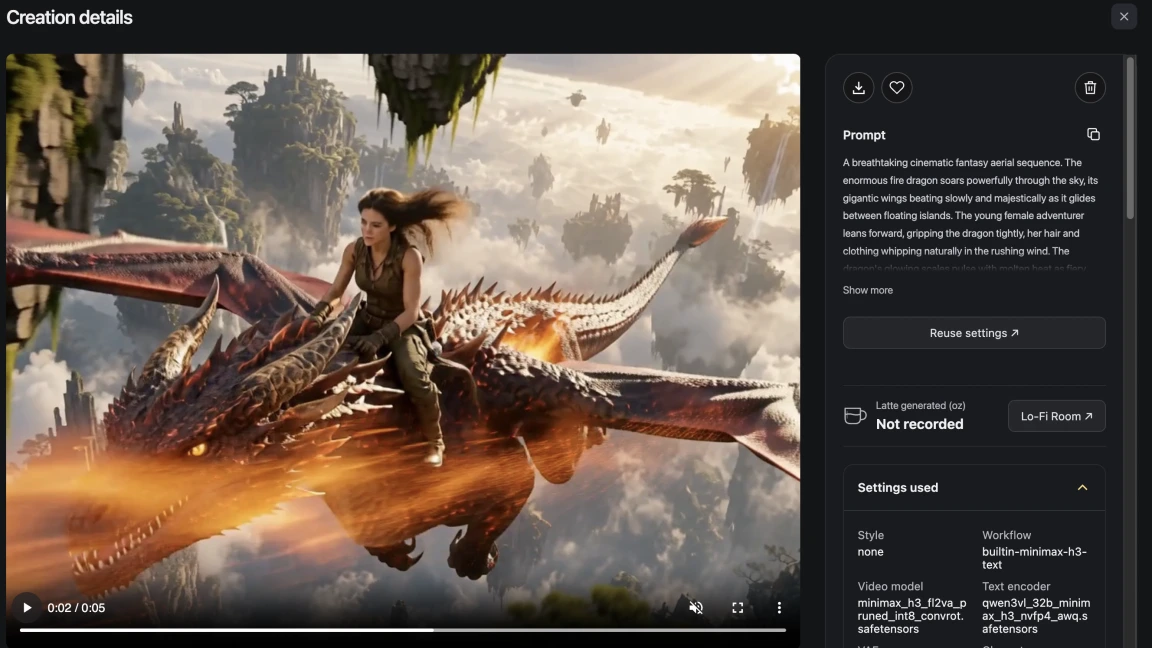
Describe a scene to generate a short clip, or start with an image to guide the opening frame. MiniMax H3 runs locally on your Mac.
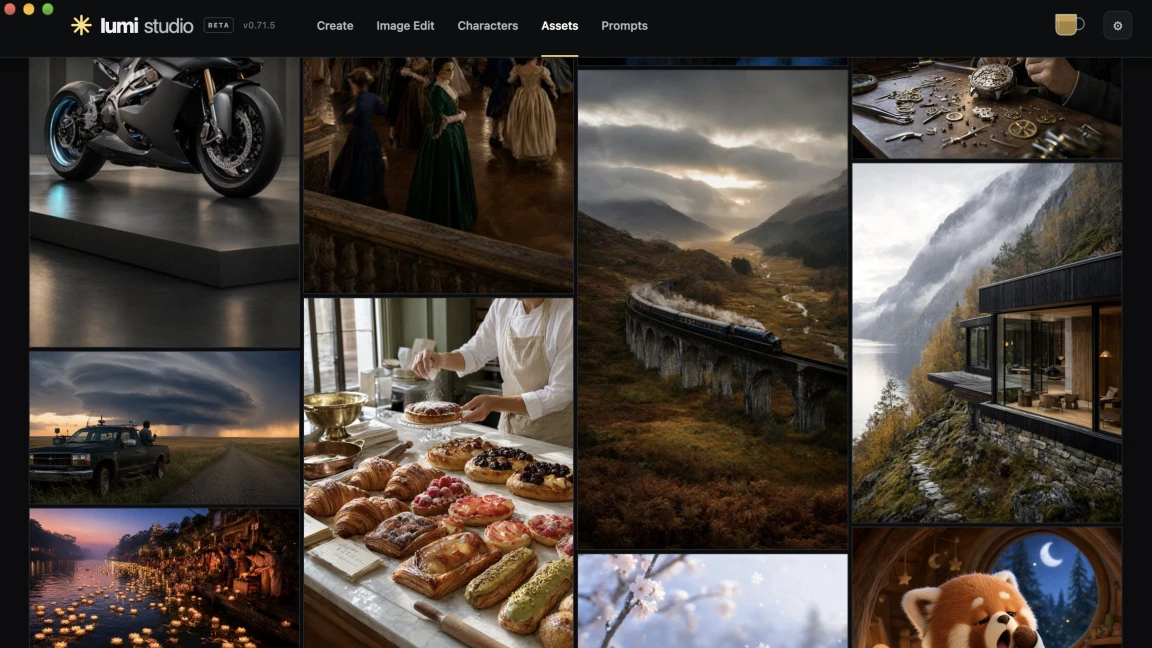
Save creations, references, and characters so you can pick up where you left off. Prompts and creations stay on your Mac.
Your prompts, reference images, and creations stay on your Mac. There’s no per-generation fee or account required.
Start with an image, add a visual reference for the look you want, and describe what to change. Try a different outfit, swap an object, or give the scene a new background.
Move the divider to see how the original white shirt becomes a hoodie. Lumi Studio saves each edit as a new creation, so you can revisit the original anytime.
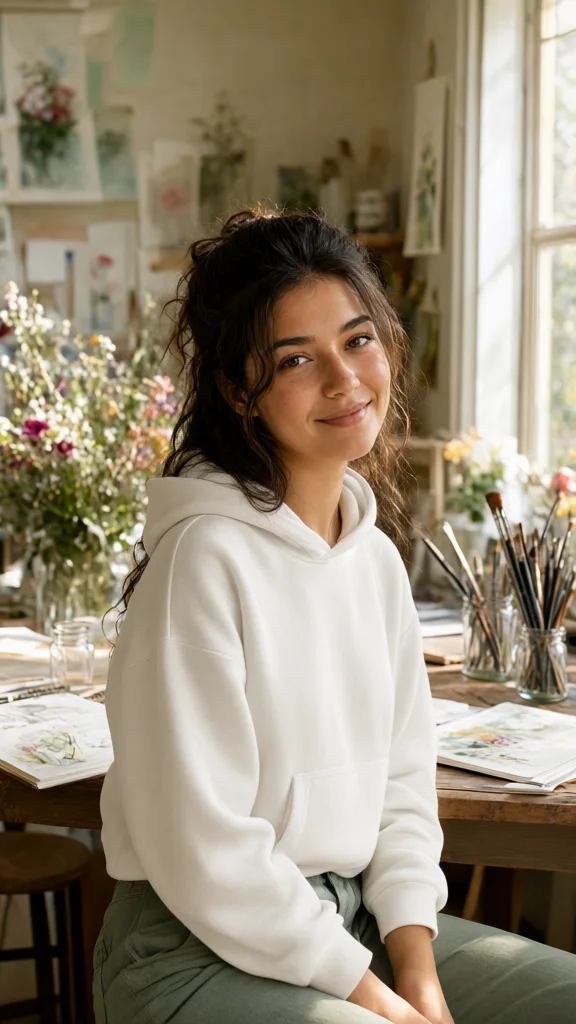

Give a recurring character a name, a description, and reference photos. Select the saved character when you create a new scene to use those references again.
Keep character photos separate from scene references so you can change the outfit, setting, or composition while working with the same character.

Render taking a while? Settle into a little 3D room while your creation runs. Put on a lo-fi track, switch the lighting from daylight to night, or find a spot for a sleepy cat or dog.
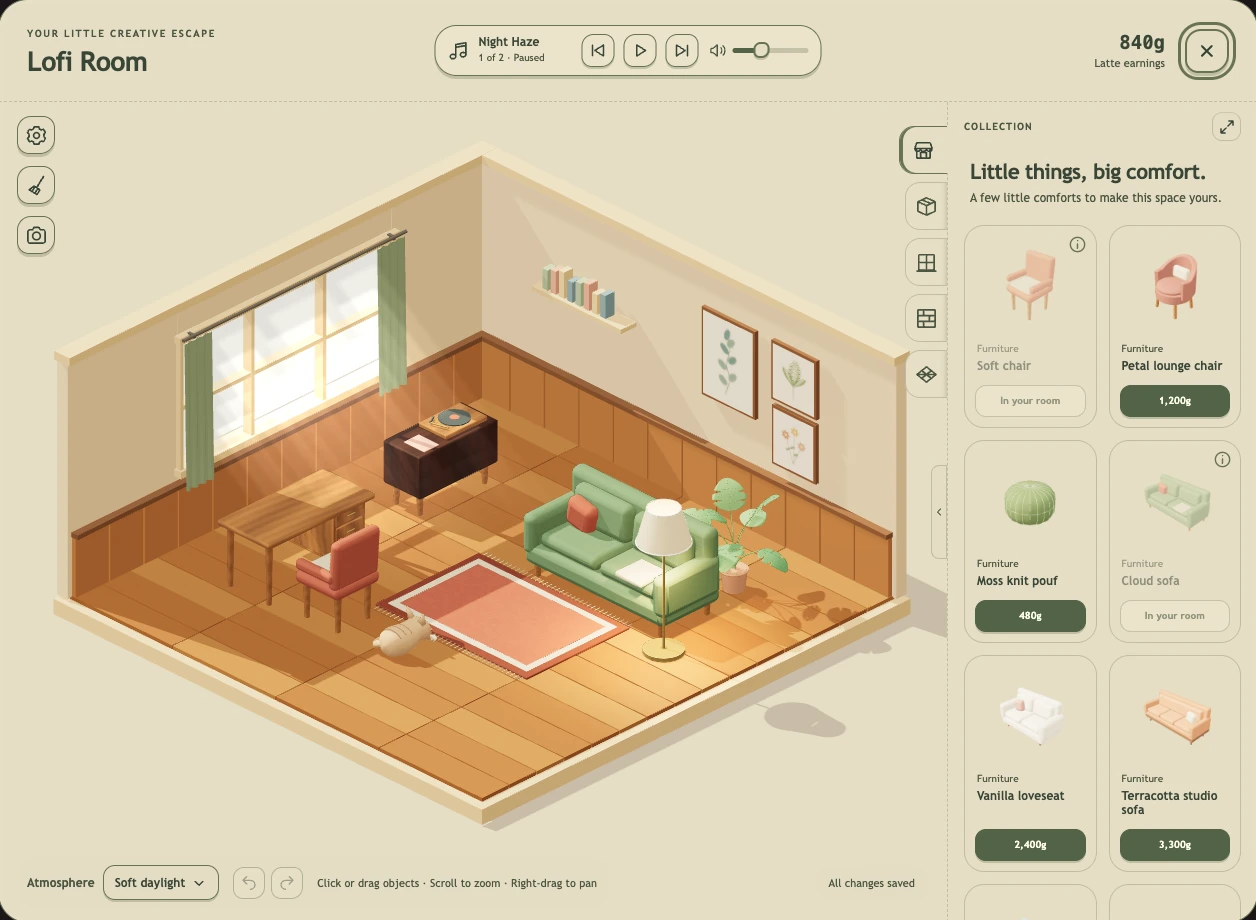
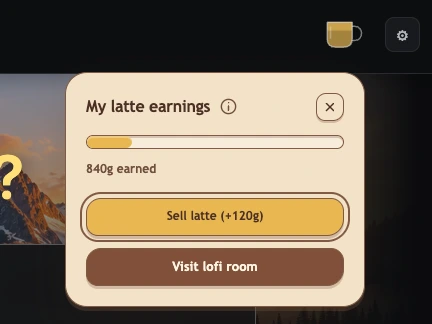
Generate images or videos to collect latte as you work. When the mug is full, click it and choose Sell latte to add 120g in gold coins to your room balance.
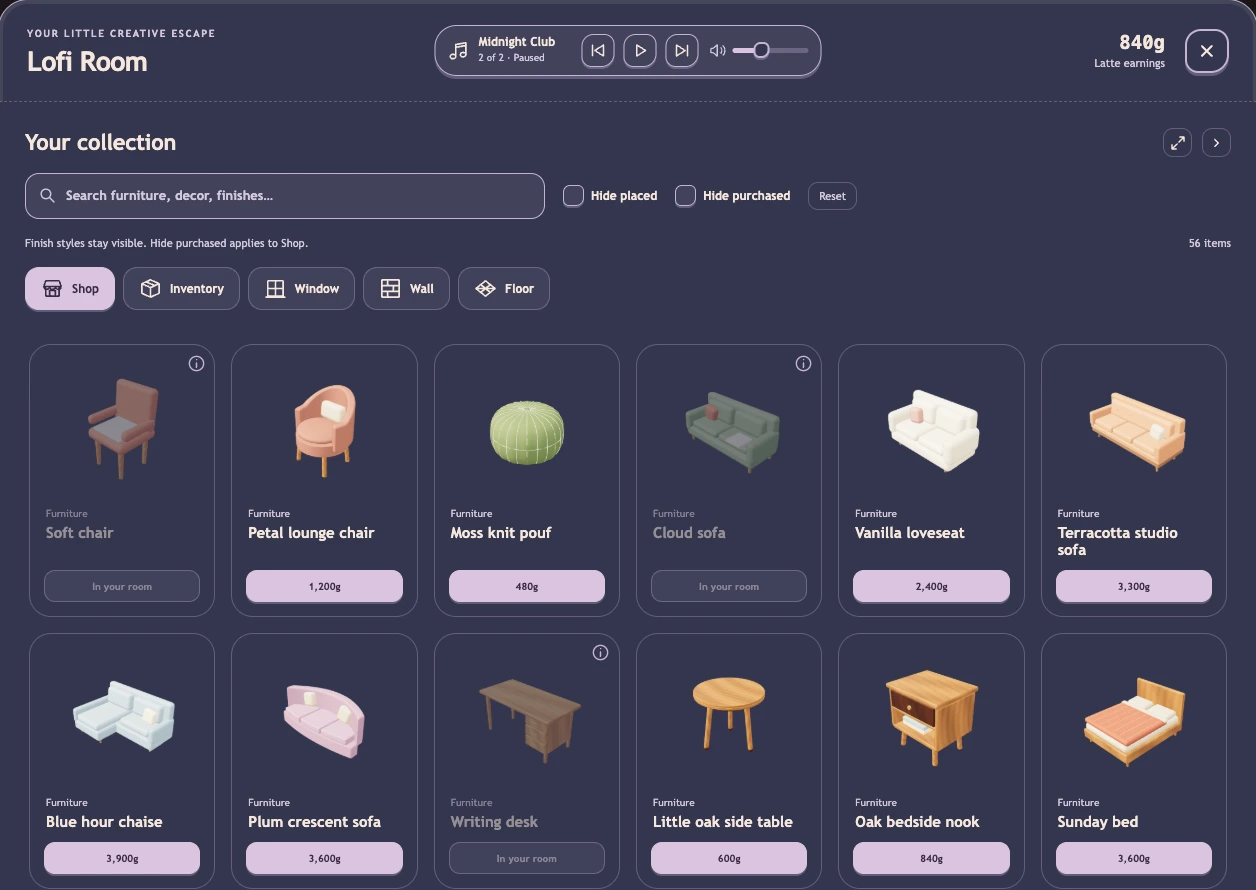
Spend your coins in the Shop on furniture, plants, pets, and new finishes. Drag items into place, rotate them, or put them back in your inventory when you want a change.
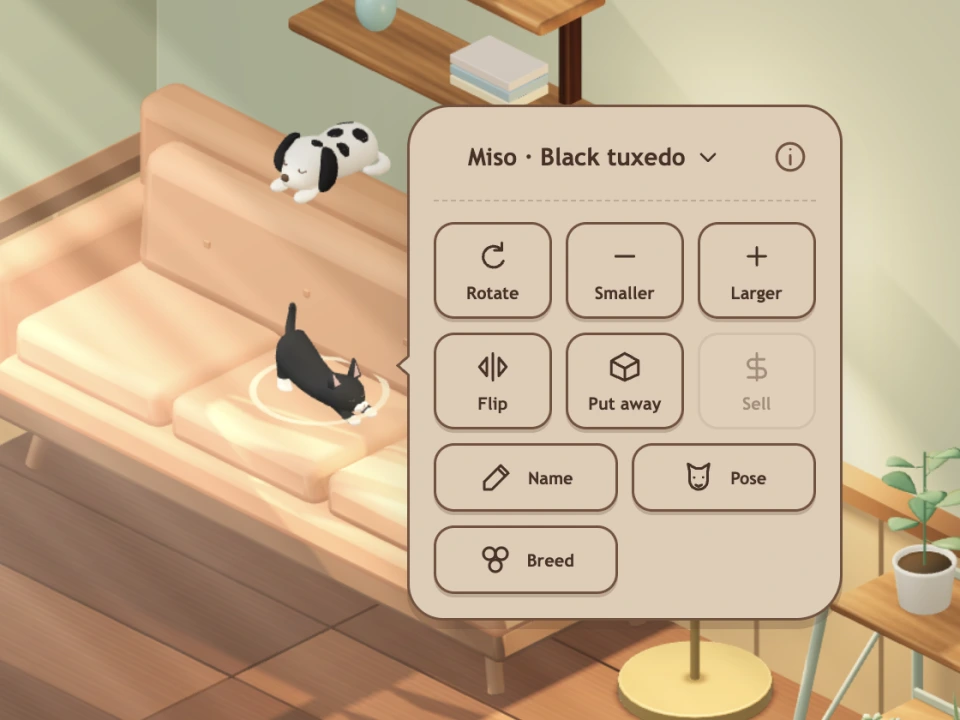
Select a cat or dog in the room to give it a name, pick a pose, or change its breed where available.
The app is signed by Lumicreative and notarized by Apple.