RecipeCubby App Store coming soon

A home for the recipes you love.

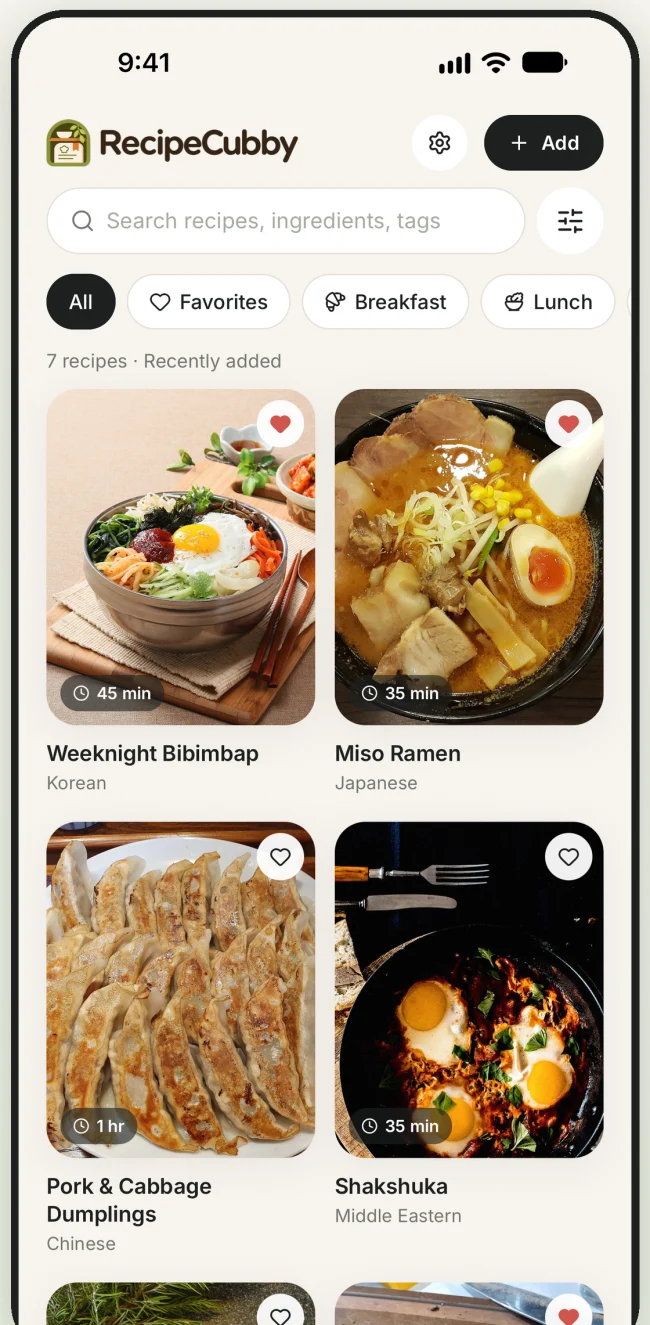
Give cookbook clippings, bookmarked recipes, and family favorites one searchable home. Then pull up what you need when it’s time to cook.

RecipeCubby cookbook with a search field, recipe tags, and photo cards for bibimbap, ramen, dumplings, and shakshuka.

Save it while you have it.

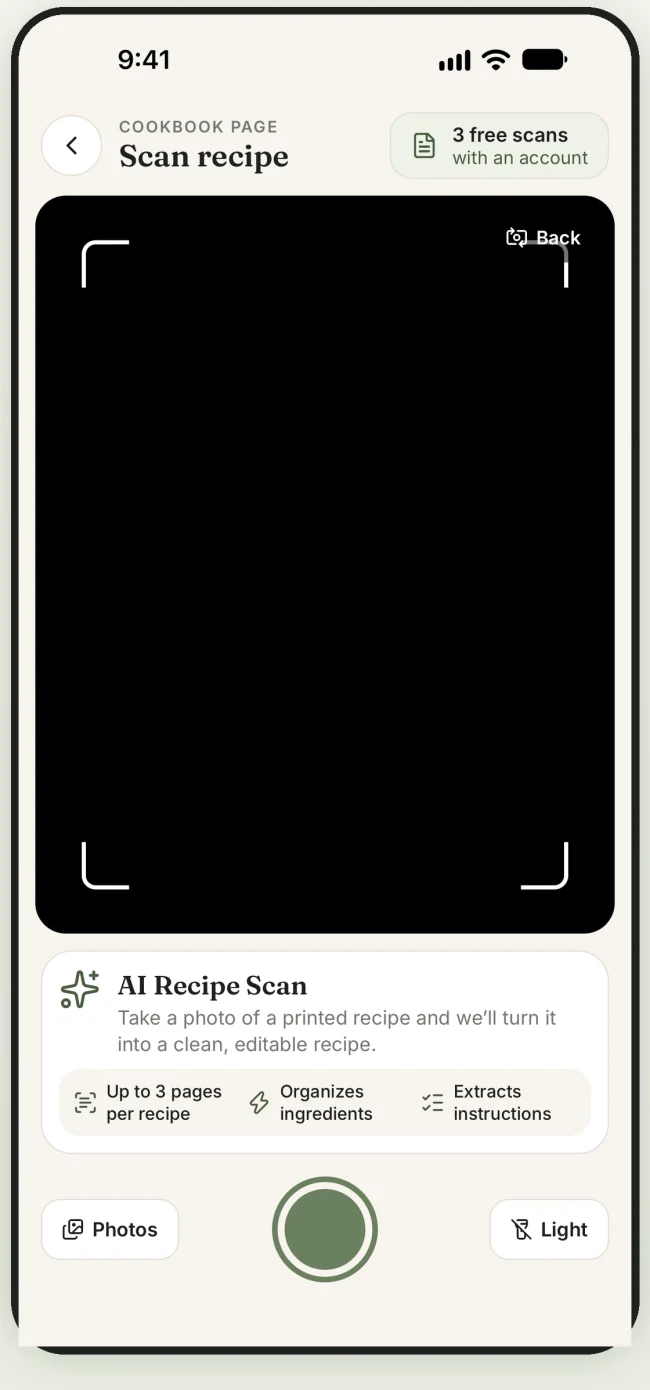
Paste a recipe link, enter a family recipe by hand, or use AI to turn a photo of a printed recipe into an editable recipe. Review the ingredients and steps before saving.

Get 3 free AI scans with a free account. Buy more scans whenever you need them. No subscription required.
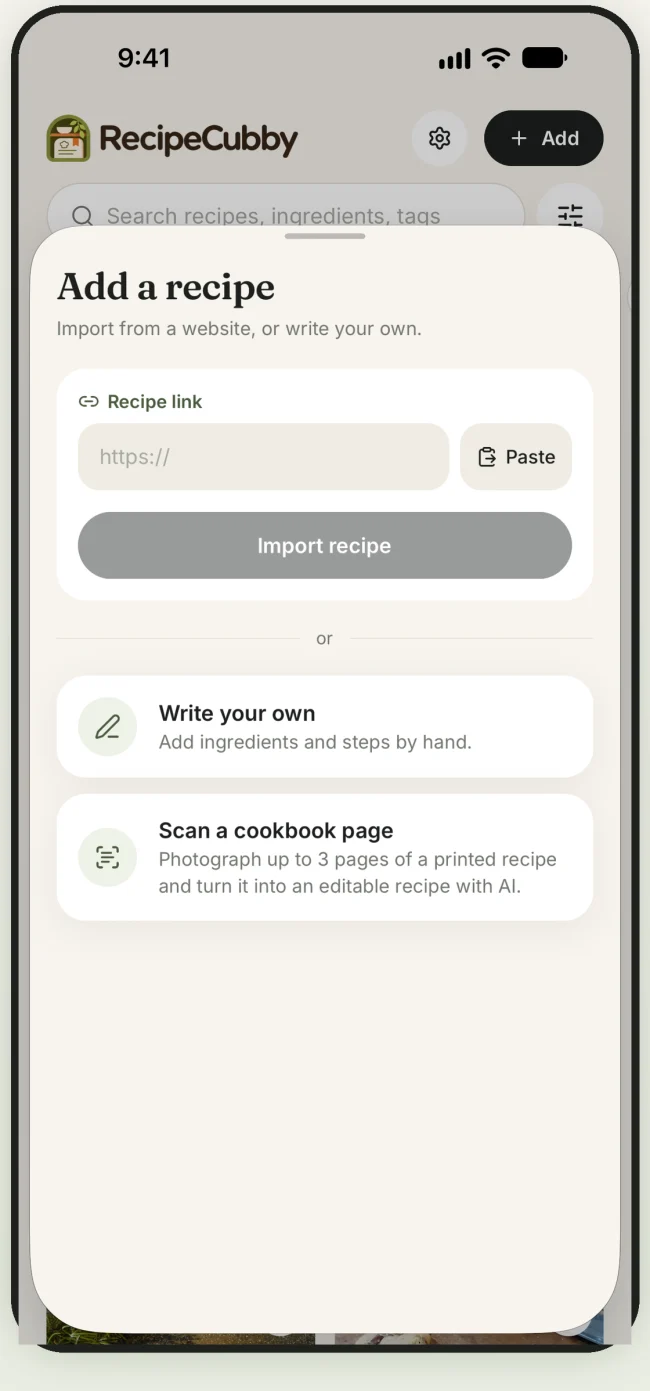
Add a recipe menu with options to paste a link, write a recipe, or scan a cookbook page.
Add a recipe
Cookbook scanner with controls to take a photo or select one from your library.
Scan a cookbook page

Find dinner faster.

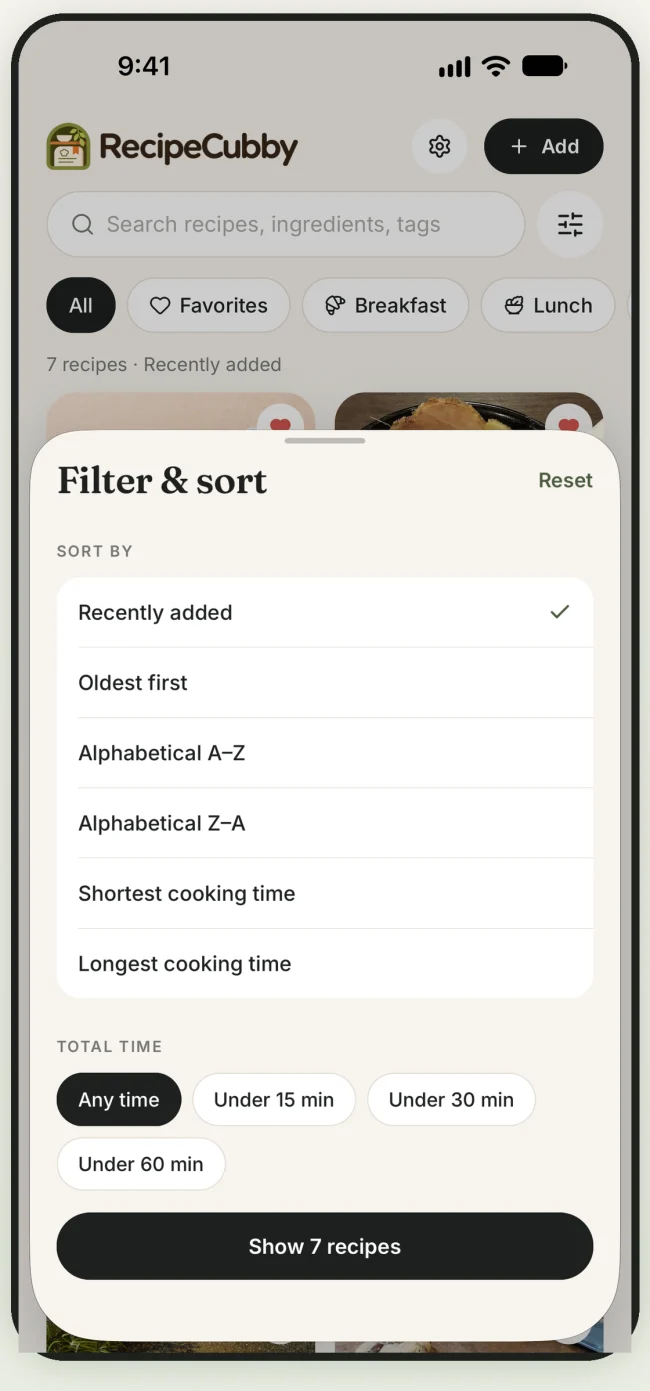
Search by dish, ingredient, or tag. Mark recipes you make often as favorites and filter by cooking time when dinner needs to happen quickly.

Browse your cookbook offline or sign in to sync recipes across devices.

Cookbook filters with sorting options and buttons for recipes under 15, 30, or 60 minutes.
Filter and sort

Cook one step at a time.

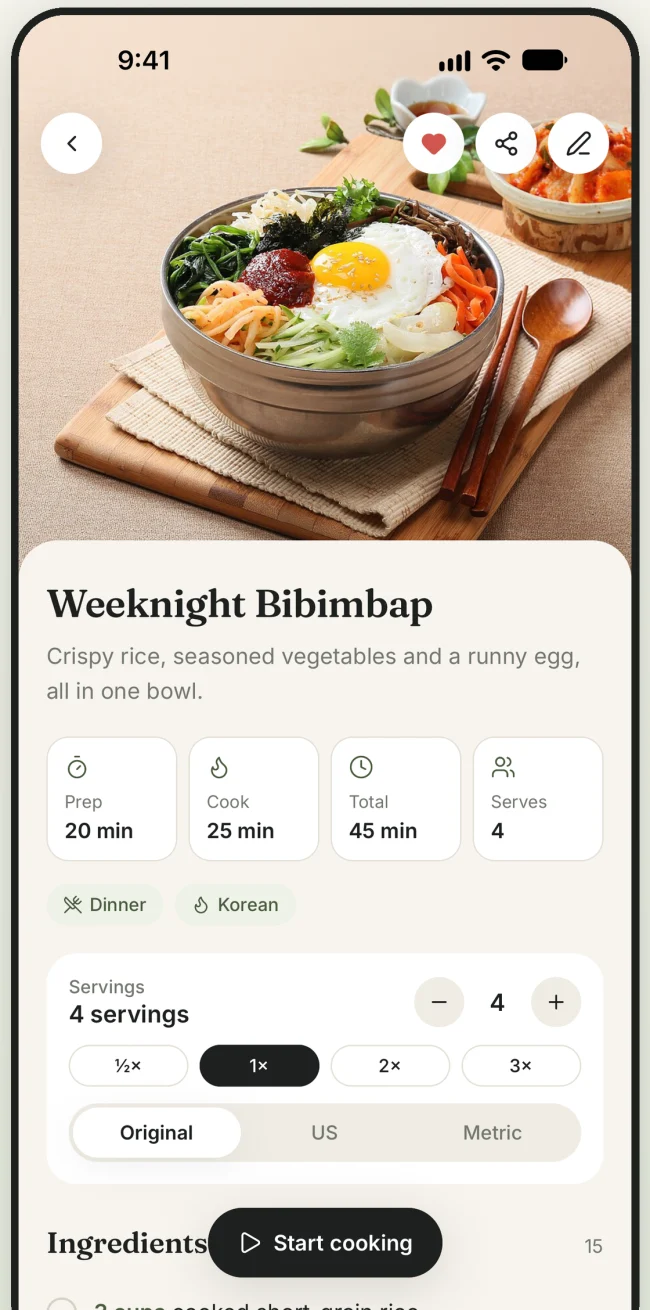
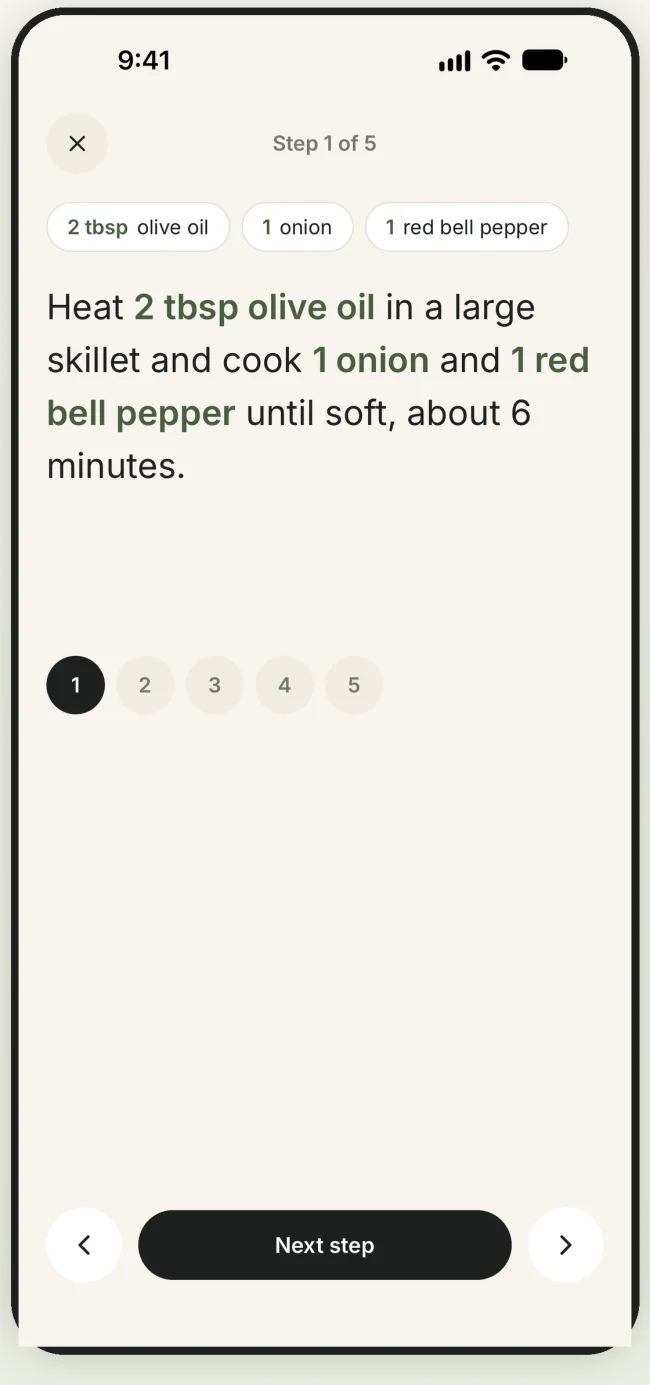
Adjust servings, switch between supported US and metric units, and keep the ingredient amounts right beside the steps that use them.

Weeknight bibimbap recipe with prep time, serving size controls, and US and metric options.
Scale a recipe
Cooking mode showing the first step and the amounts for oil, onion, and red bell pepper.
Follow the steps